

How SOS works on ZOLEO
Know how to connect to emergency response when seconds matter.
A Real Coordination Team, Ready When You Press the Button
A ZOLEO SOS alert isn’t an automated ping into the void. It reaches people whose job is to help coordinate a response.
Seconds Matter. So Does Knowing Who Has Your Back.
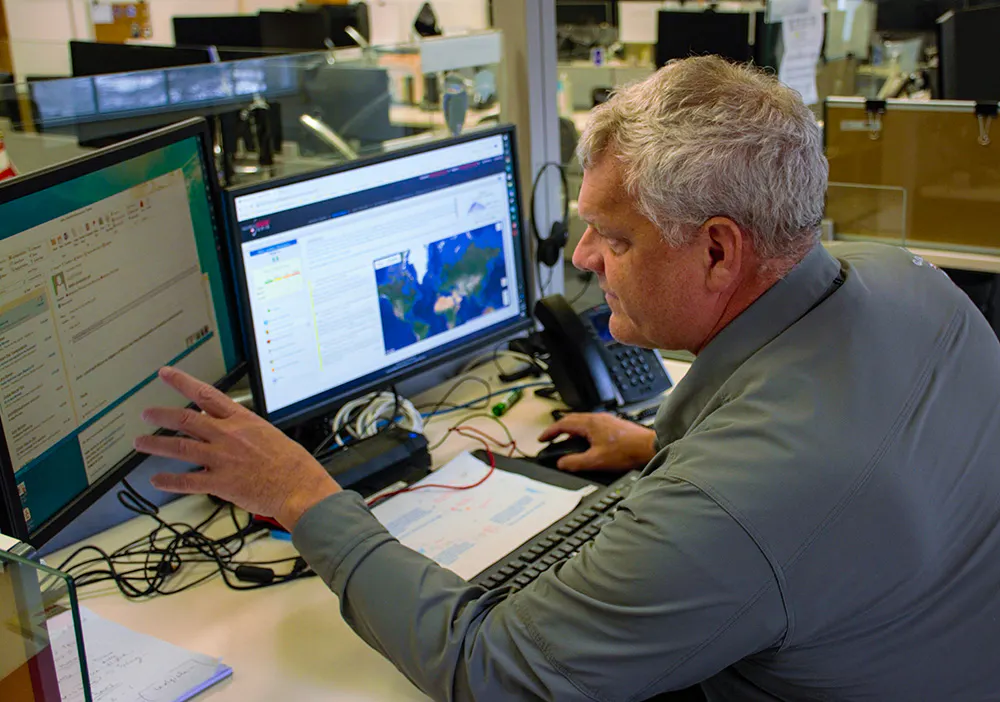
When you activate an SOS from your ZOLEO device or the ZOLEO app, the alert goes to Global Rescue, ZOLEO’s emergency response coordination partner.
Global Rescue’s team is experienced in emergency response coordination, having coordinated over 20,000 operations across 200 countries.*
They confirm your alert, receive your location coordinates, and work to get the right help moving.
What Happens When You Activate an SOS?
You activate SOS
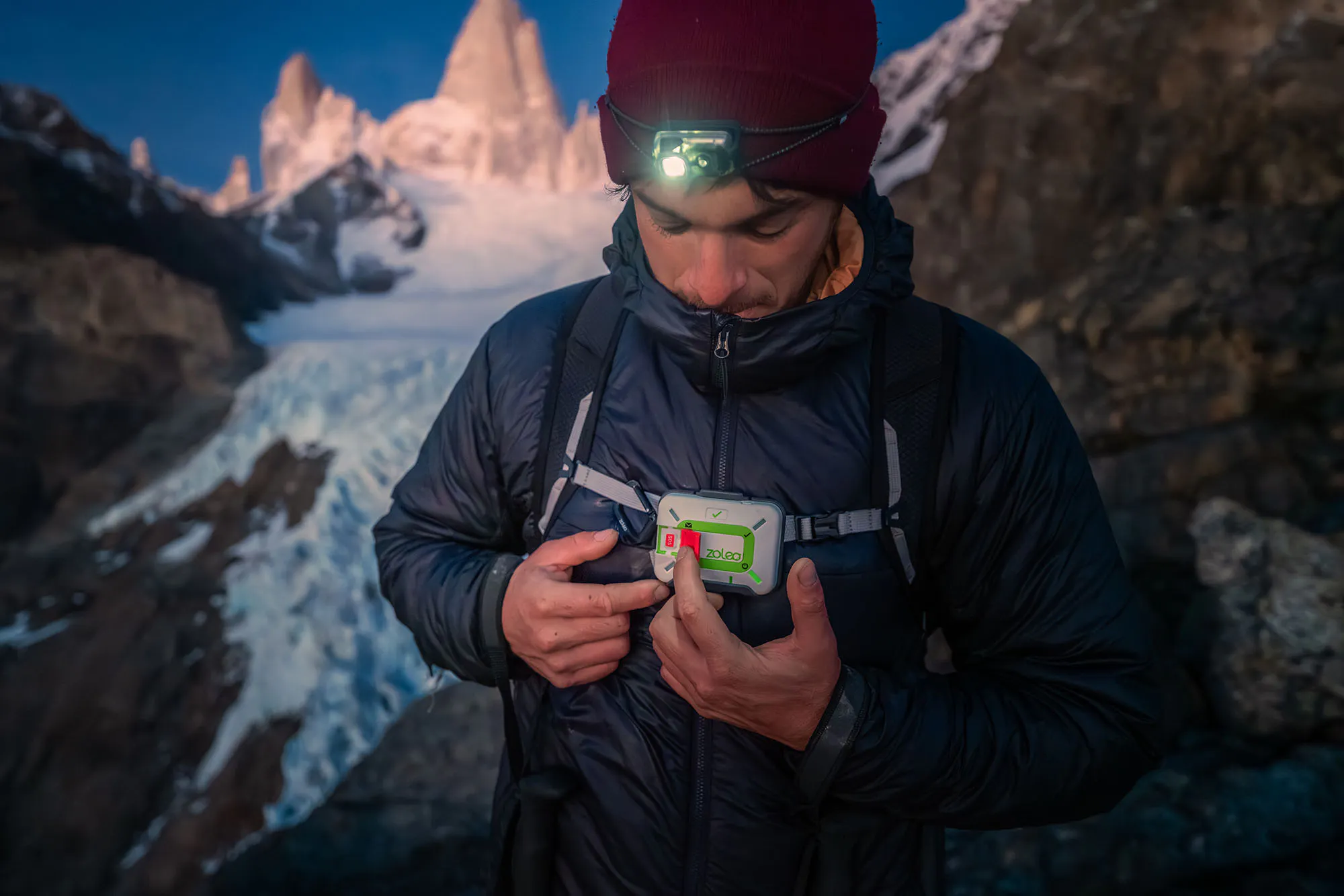
Press the covered SOS button on the ZOLEO communicator, or trigger SOS from the ZOLEO app. Your alert is sent with the GPS coordinates of your device.
Your alert is received
Global Rescue receives your alert and location, confirms it, and works to contact the appropriate authorities to help dispatch assistance.
You stay in the loop
With progressive SOS, you receive step-by-step status updates throughout the incident in the ZOLEO app, and can message back and forth with the coordination team.
You receive confirmation
Even when you are using ZOLEO without the app, the device’s LEDs confirm that your SOS message was received. So you’re not left wondering.
What to expect the moment you press SOS
- Your location goes out.
Global Rescue, ZOLEO’s emergency response coordination partner, receives yourGPS coordinates and device battery level. - Updates every six minutes.
Your device keeps sending location updates throughout the incident. - Help is coordinated.
The team confirms your alert and contacts the right authorities to dispatch assistance. - Red LED double-blinks.
On the device, the SOS LED double-blinks red once your alert is confirmed. - You stay in the conversation.
When paired with the ZOLEO app, you get progressive updates and can message the team until it’s resolved.
Help That Talks Back
Paired with the ZOLEO app
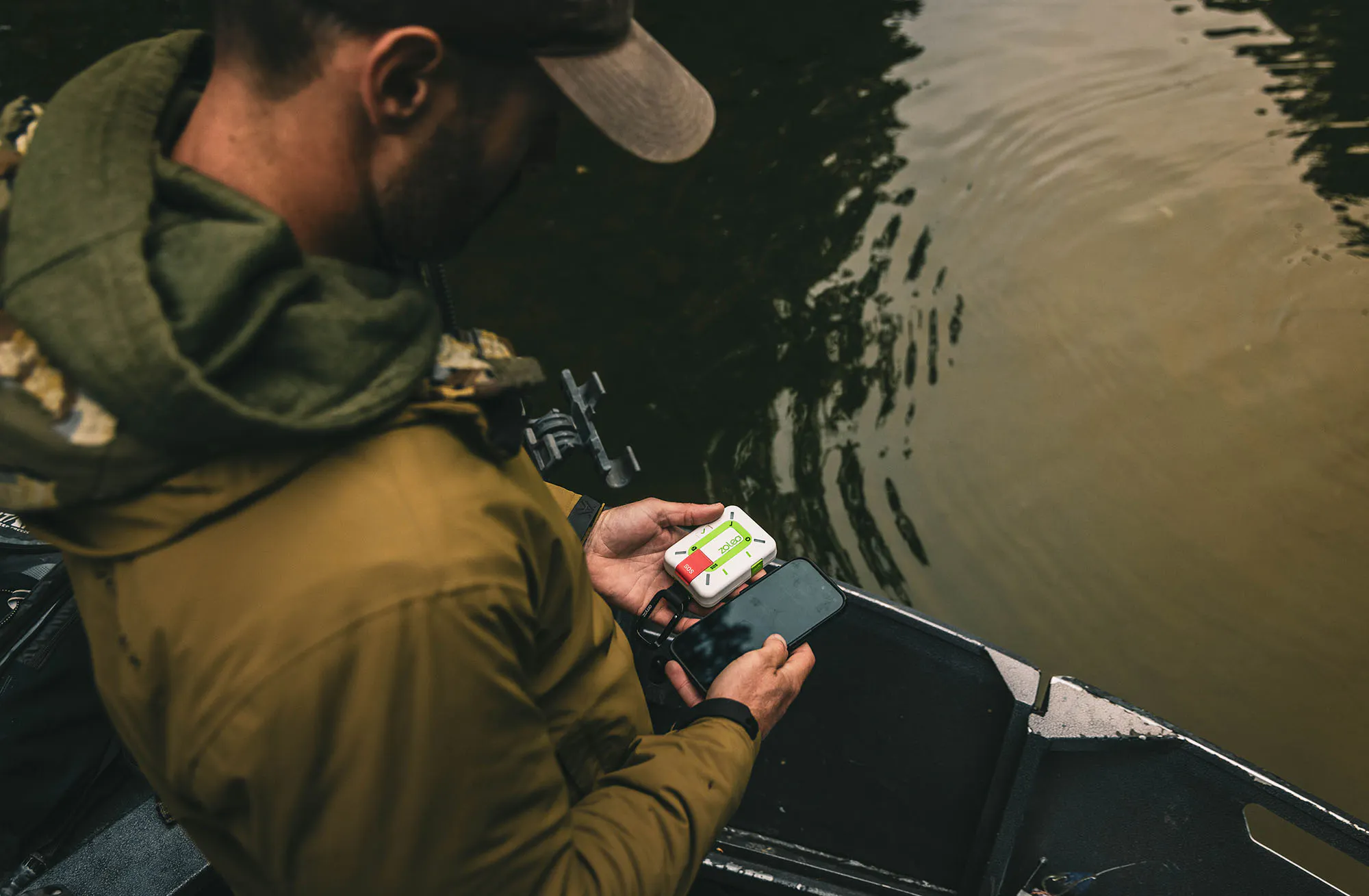
Progressive SOS turns a one-way alarm into a two-way conversation. Exchange messages with the emergency response coordination team and follow status updates until your emergency is resolved. No guessing if your message was received.
Without the ZOLEO app
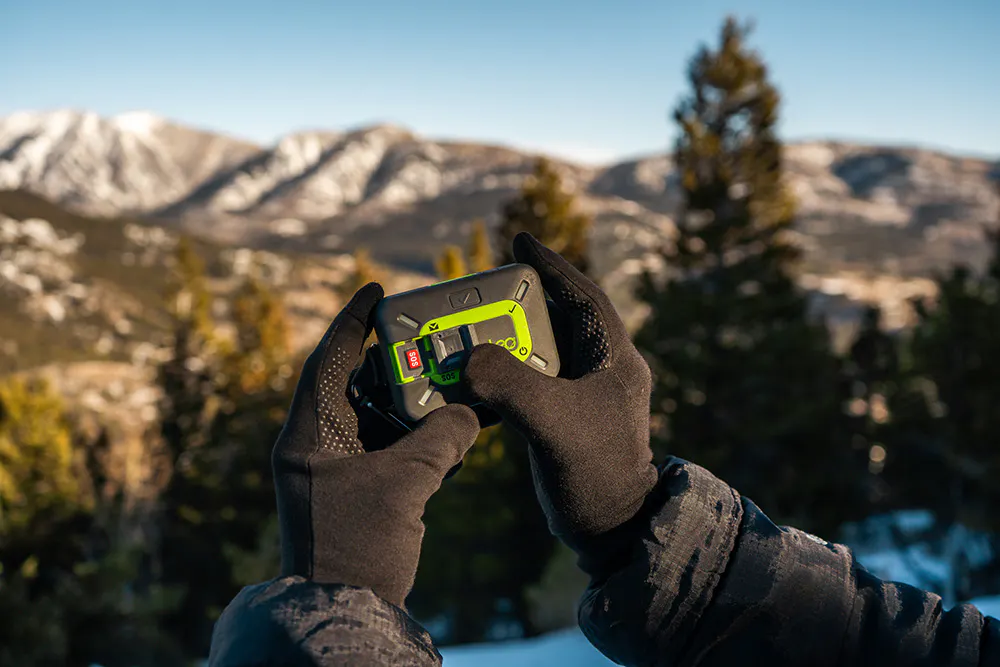
The device still sends your SOS alert to Global Rescue with your GPS location and remaining battery life. Your location updates every six minutes during an active alert, and the SOS LED confirms once your alert has been received.
Paired with the ZOLEO app
Progressive SOS turns a one-way alarm into a two-way conversation. Exchange messages with the emergency response coordination team and follow status updates until your emergency is resolved. No guessing if your message was received.
Without the ZOLEO app
The device still sends your SOS alert to Global Rescue with your GPS location and remaining battery life. Your location updates every six minutes during an active alert, and the SOS LED confirms once your alert has been received.
*Tip: The ZOLEO app also includes Medical Assist: 24/7 non-emergency support for medical questions and minor incidents. It’s a separate service from SOS, for the moments that aren’t an emergency but still need an answer.
How ZOLEO 1500 SOS Works
The new and improved limestone edition — same rugged, Iridium-connected core.
Do you have the slate grey ZOLEO 1000 device? See how SOS works here.
WARNING: Before using SOS or other connected features, an active ZOLEO subscription plan is required. Ensure the device has a clear view of the sky, as SOS requires satellite access to operate. SOS alerts are monitored by a third-party emergency response coordination provider. ZOLEO is not a licensed emergency dispatch service and does not guarantee rescue, response, evacuation, medical assistance, security assistance, search and rescue availability, or coordination with local emergency authorities. Additional third-party costs may apply.
Activating an SOS
Activation behaviour differs slightly between models. Both support emergency coordination when you need it.

ZOLEO (ZL1500)
Press the covered SOS button once. An alert is sent immediately upon pressing the button.
On the device, confirm via LED indicators. In the ZOLEO app, an SOS in-progress screen appears.

ZOLEO (ZL1000)
Press and hold the covered SOS button for 3 seconds. The alert is sent after the hold is complete.
On the device, confirm via LED indicators. In the ZOLEO app, an SOS in-progress screen appears.
*Tip: Activating via the ZOLEO app Regardless of device model, hold the SOS button in the ZOLEO app for 3 seconds to send an alert. An SOS in-progress screen will immediately appear.
What if I Activate an SOS by Mistake?
The SOS button is covered to help prevent false alarms. If you press it by accident, or your situation is no longer an emergency, you can cancel. Cancellation behavior is dependent on your device.
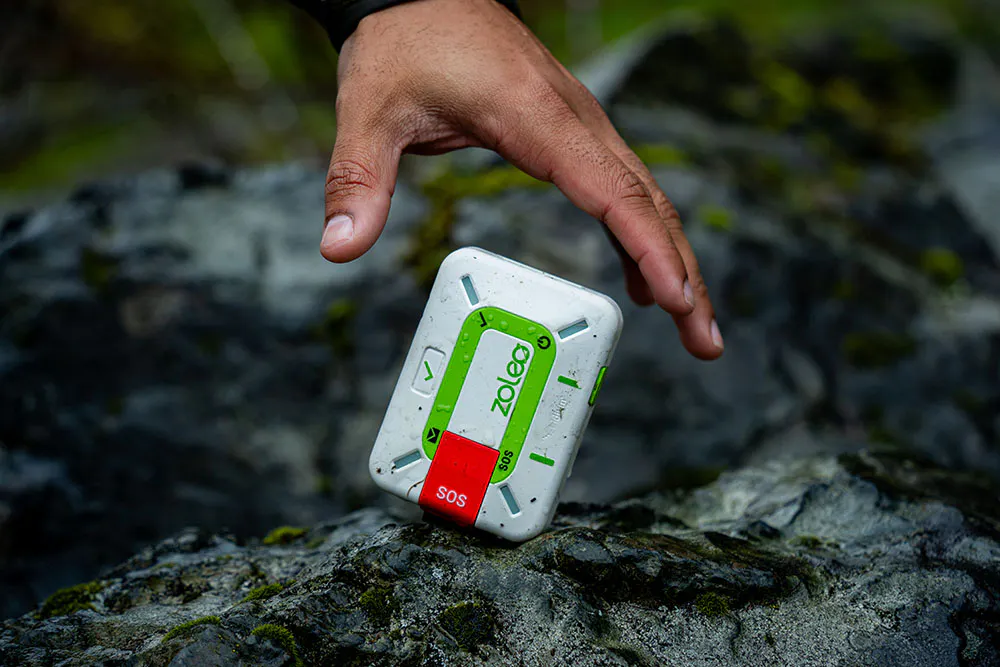
Canceling an SOS Press and hold the SOS button for eight (8) seconds to cancel:
• Within 10 seconds of triggering SOS, or
• After Global Rescue acknowledges your SOS (the SOS LED will double-flash red).
Refer to the LED guide below to identify each status:
SOS LED double-flashes red — alert acknowledged
All LEDs spin green — cancellation in progress
LEDs stop — SOS successfully cancelled
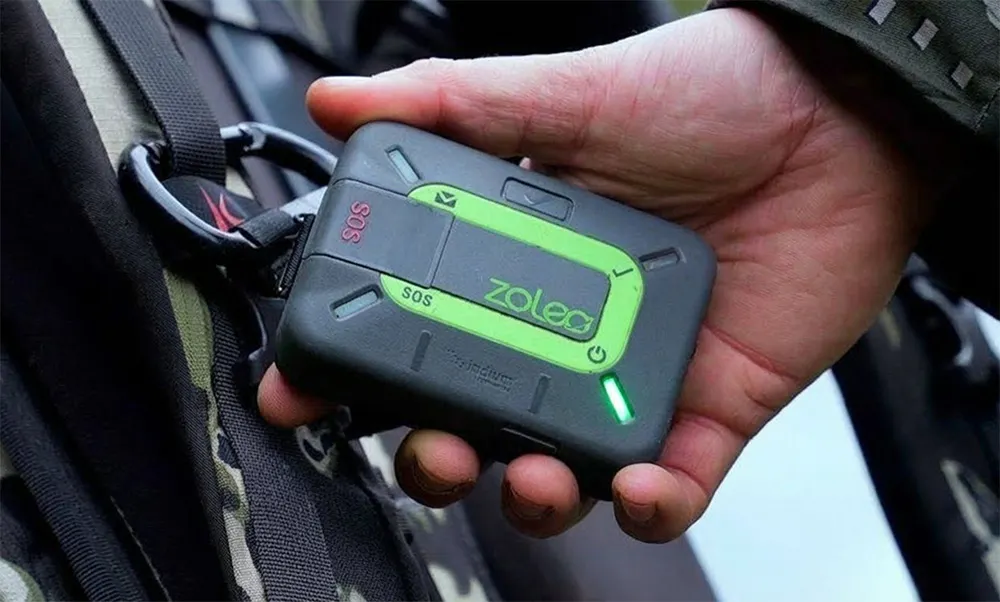
Canceling an SOS Press and hold the SOS button for five (5) seconds to cancel:
• Within 10 seconds of triggering SOS, or
• After Global Rescue acknowledges your SOS (the SOS LED will double-flash red).
Refer to the LED guide below to identify each status:
SOS LED double-flashes red — alert acknowledged
All LEDs spin green — cancellation in progress
LEDs stop — SOS successfully cancelled
Canceling an SOS Press and hold the SOS button for eight (8) seconds to cancel:
• Within 10 seconds of triggering SOS, or
• After Global Rescue acknowledges your SOS (the SOS LED will double-flash red).
Refer to the LED guide below to identify each status:
SOS LED double-flashes red — alert acknowledged
All LEDs spin green — cancellation in progress
LEDs stop — SOS successfully cancelled
Canceling an SOS Press and hold the SOS button for five (5) seconds to cancel:
• Within 10 seconds of triggering SOS, or
• After Global Rescue acknowledges your SOS (the SOS LED will double-flash red).
Refer to the LED guide below to identify each status:
SOS LED double-flashes red — alert acknowledged
All LEDs spin green — cancellation in progress
LEDs stop — SOS successfully cancelled
Be SOS-ready
Test your SOS
Run a test before you go off-grid so there are no surprises.
Arrange a test.
Keep it close
Clip ZOLEO to your clothing, not a pack you could set down.
Brief your group
Show everyone where it is and how to trigger an SOS.
Read the device
The SOS steps are printed right on the back of your ZOLEO.
*Tip: Before each trip, practise how to send and cancel an SOS, on both the device and the app.
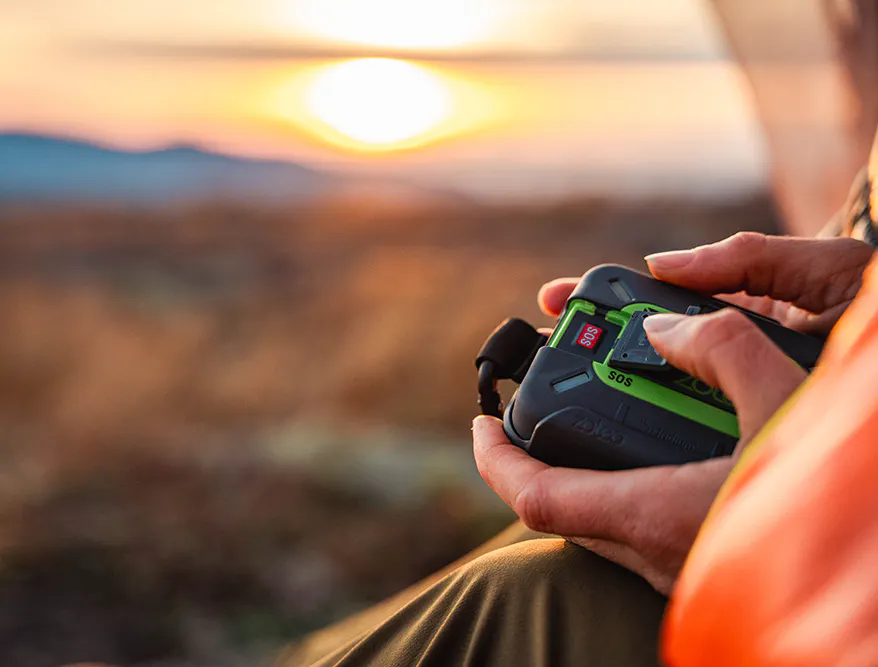
Your Contacts Matter
In an SOS, Global Rescue may call the people you’ve nominated. Keep your Safety Circle — friends, family, and trip contacts — current and in the loop.
WARNING: Before using SOS or other connected features, an active ZOLEO subscription plan is required. Ensure the device has a clear view of the sky, as SOS requires satellite access to operate. SOS alerts are monitored by a third-party emergency response coordination provider. ZOLEO is not a licensed emergency dispatch service and does not guarantee rescue, response, evacuation, medical assistance, security assistance, search and rescue availability, or coordination with local emergency authorities. Additional third-party costs may apply.